

Moodle plugin · Free to install
Lumination AI Question Generator writes multiple-choice quiz questions from your PDF, Word and text documents, straight into your Moodle question bank, ready for you to review and add to a quiz.
Works with
Moodle 5.0 and later
Upload
PDF, DOCX and TXT
Creates
Multiple-choice questions
Needs
The Lumination AI Provider
How it works
01
Open the tab
In any question bank, open the Generate with AI tab.
02
Choose
Upload a document and choose how many questions, the difficulty and the language.
03
Review
The questions arrive in a new category, usually within a minute. Check them, then add them to a quiz.
What you get
An explanation for every answer
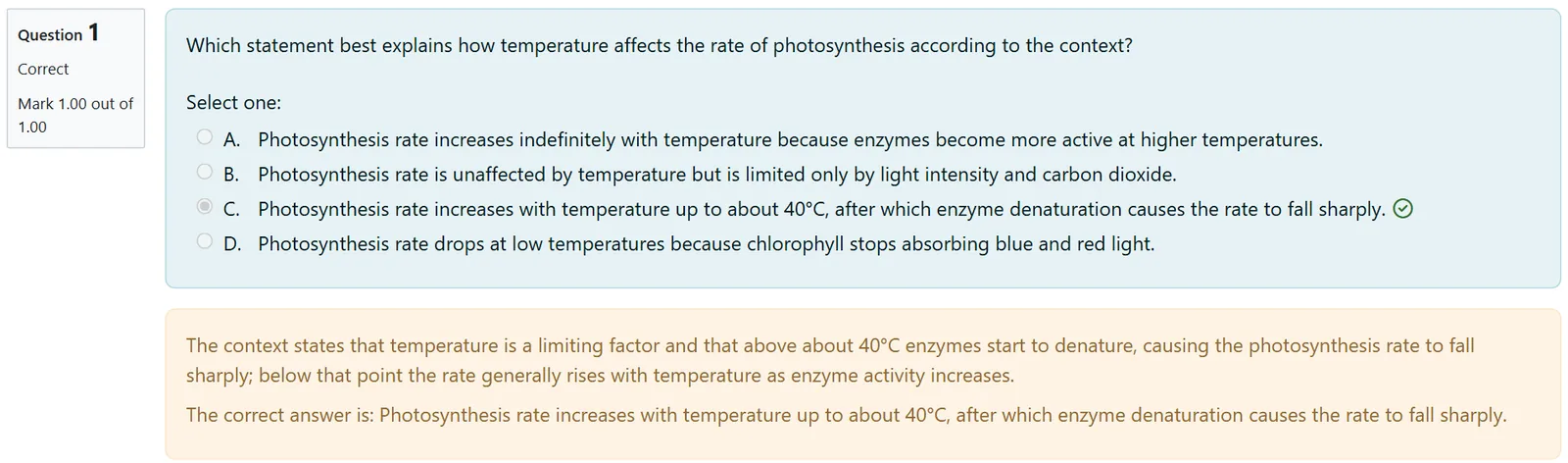
Each question explains the correct answer in its general feedback.
A hint for the next try
Students who get a question wrong see a hint on their next attempt.
Kept apart until reviewed
Questions land in their own category, so nothing mixes with your question bank until you check it.
Difficulty and language
Choose the difficulty and the language of the questions for each document.
Runs in the background
Questions are written through Moodle’s cron, and a progress page tells you when they are ready.
Documents are not kept
The uploaded document is deleted from Moodle after the job.
Inside Moodle
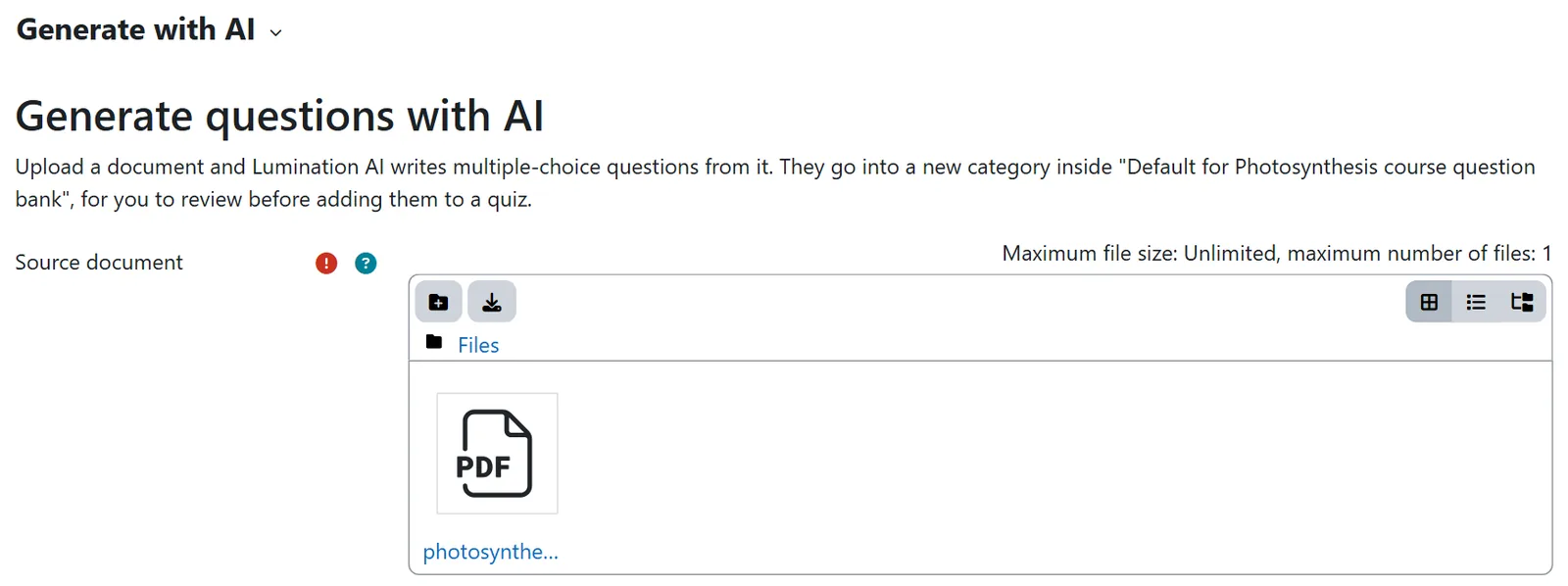
Upload a document and choose the number, difficulty and language.

The questions land in a new category, ready to review before they reach a quiz.
Set it up in minutes
- Install the Lumination AI Provider and the Question Generator from GitHub, or upload their zips under Site administration, Plugins, Install plugins.
- Get a Lumination API key. Ask us for a free test key.
- Add the key under Site administration, AI, AI providers. The Lumination AI Provider holds one key for all our plugins.
- Make sure Moodle’s cron is running, then open Generate with AI in any question bank.
Your documents. To write the questions, the plugin sends the document to the Lumination API, hosted on Amazon Web Services in Frankfurt, inside the EEA, and deletes it from Moodle after the job. No names, email addresses or user IDs are sent. Read the API privacy policy.
Lumination AI plugins for Moodle
All our Moodle plugins are free to install and share one Lumination API key. See all plugins and the API.
Moodle AI Course Generator
Turns your documents into complete Moodle courses, with an outline you review before anything is created.
Moodle AI Tutor
A course activity where students ask questions in their own words and get answers from the material you add.
Lumination AI Provider
Runs Moodle’s own AI tools, such as text generation in the editor and summaries in course assistance, on your Lumination account, and holds one key for all our plugins. Moodle 5.0 and later.
Need it customised?
We can extend the plugin or build a new one for your Moodle, for example other question types, your own question style, or a connection to your other systems.